[Just In Time Messages] Open WebView for JITM Call to Action #7973
Conversation


 joshheald
added
type: enhancement
joshheald
added
type: enhancement

You can test the changes from this Pull Request by:
|

|
I can see that this is taking place on your video recording as well, so it's probably expected. I'm just wondering if authorizing the WPCOM account on every opening of a webview has technical reasons which are hard to overcome? (if opening a webview is similar to starting a browser session from scratch every time, then it's understood) |
|
I noticed no issues on iPhone, but for iPad there's one. The webview, when initiated from Stats (JITM) or Orders List (Upsell CR), has a split view:
The viewbview looks perfect, though, when it's shown via collect payment flow (
|
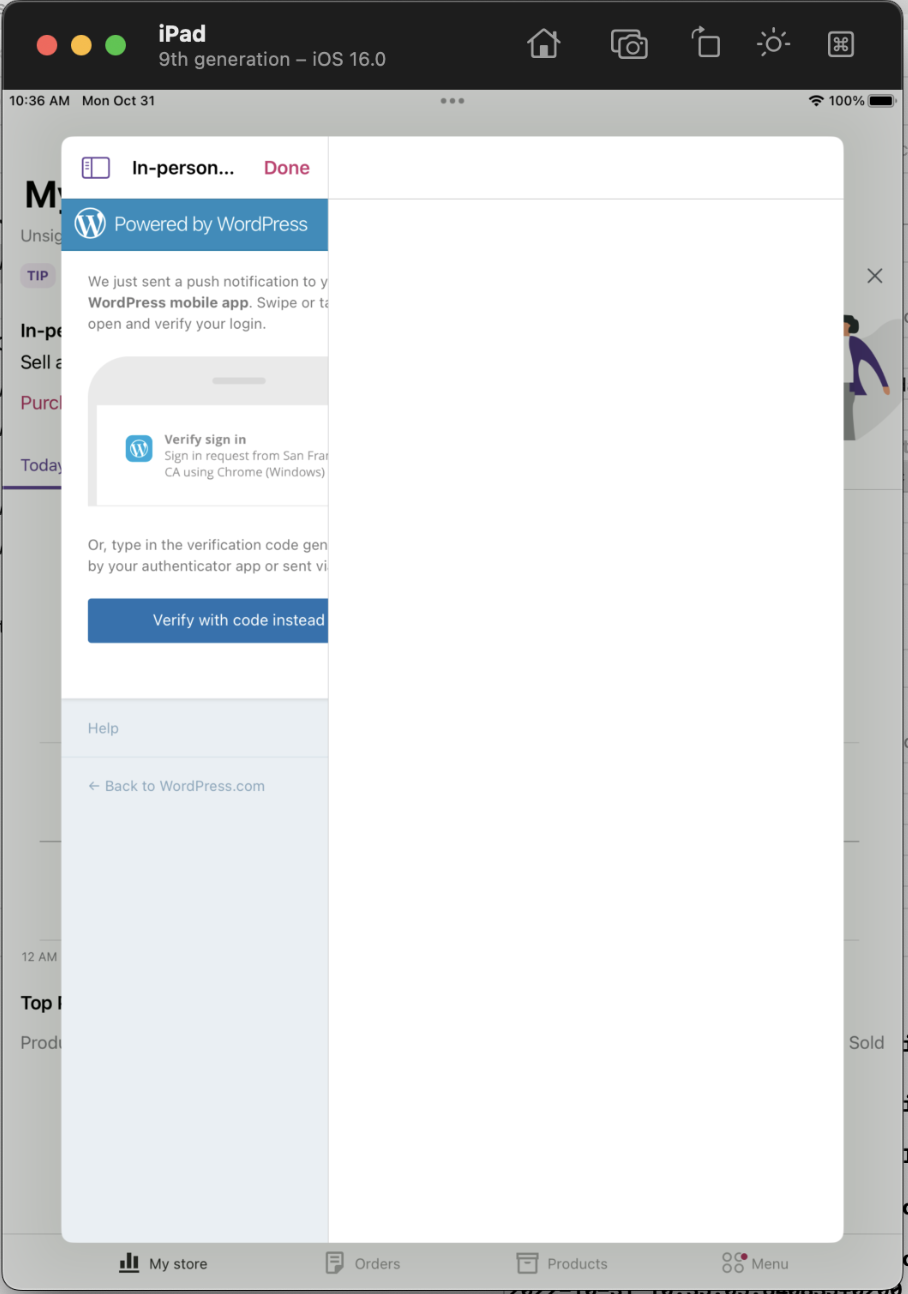
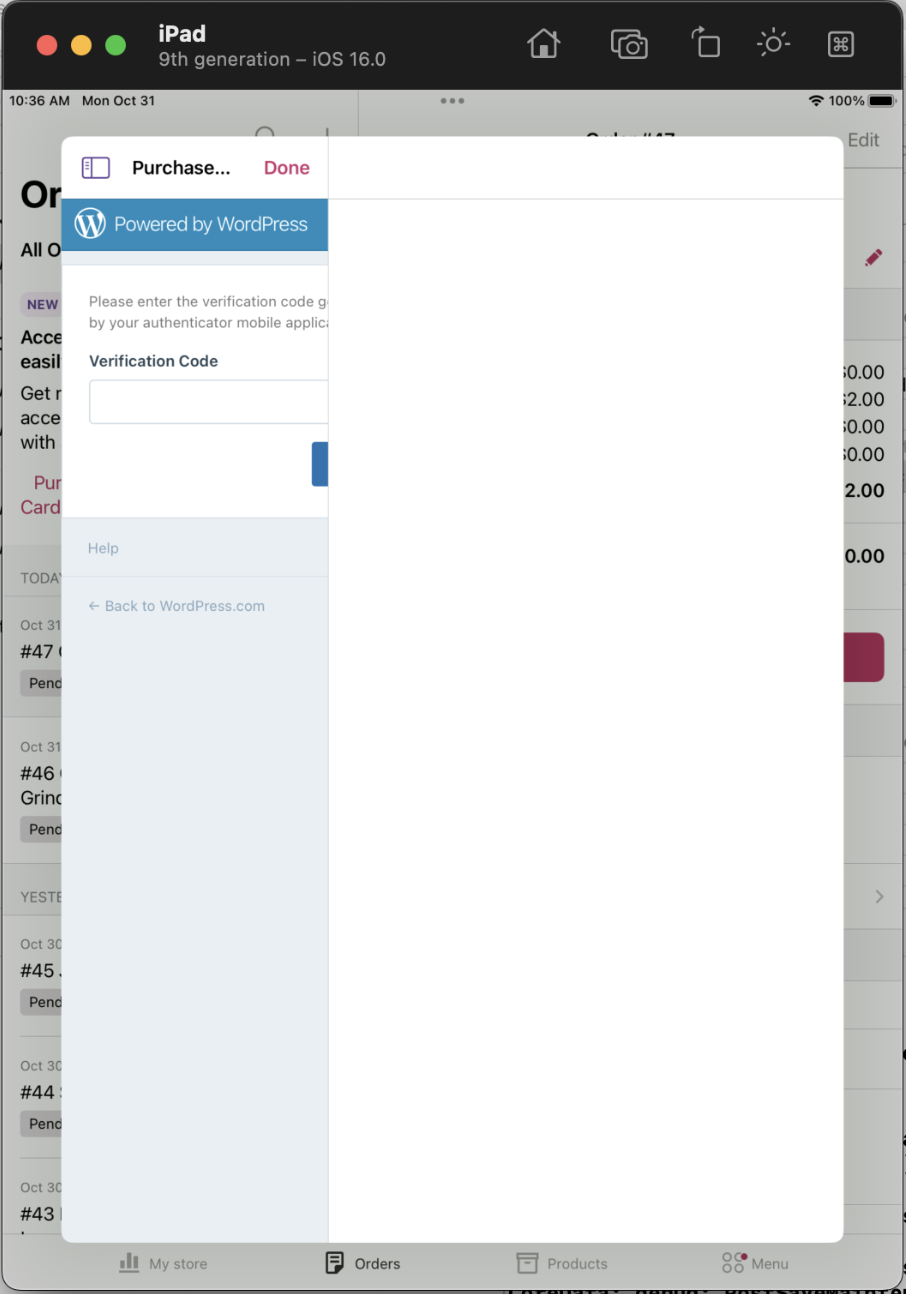
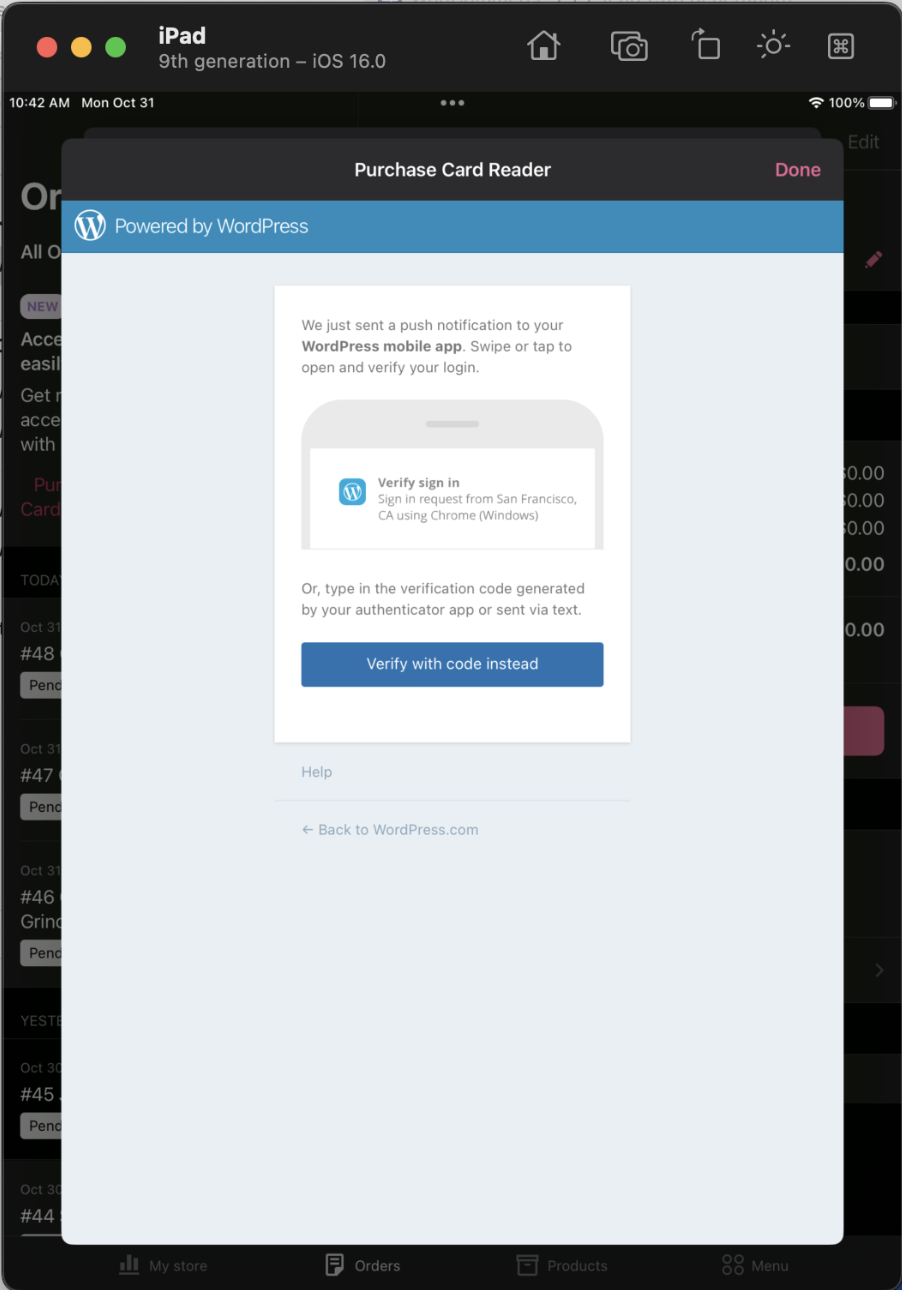

@pachlava Thanks, good catch, and that's a strange one! I suspect it's because it's being presented from a Split View in the Orders and Dashboard cases, but on payment methods it's presented from another modal. I'll dig in to it.
I've not really tried to overcome the issues here, but my memory and understanding of web views is that we can't rely on keeping the session around between launches. It's potentially worth another project to dig in to the detail here and see whether we can avoid doing it every time, but I think that's outside the scope of this work. |
Previously when the sheet was created on iPad, the content would be rendered as the master view of a split view, with no detail view. Often this would lead to no content being displayed, and a confusing back button added.

StackNavigationViewStyle makes no change to the iPhone design but makes this sheet suitable for form/page sheet presentation on iPad, showing the content immediately.
|
Thanks, @joshheald - I'm taking a look |


 pachlava
left a comment
pachlava
left a comment
pachlava
left a comment
There was a problem hiding this comment.
No complaints from my side, @joshheald: the fix for webview layout on iPda looks good to me 👍 🙂 Thanks!
One question: is it by design that webview title initiated from JITM is different from the one initiated from Upsell CR?
JITM:
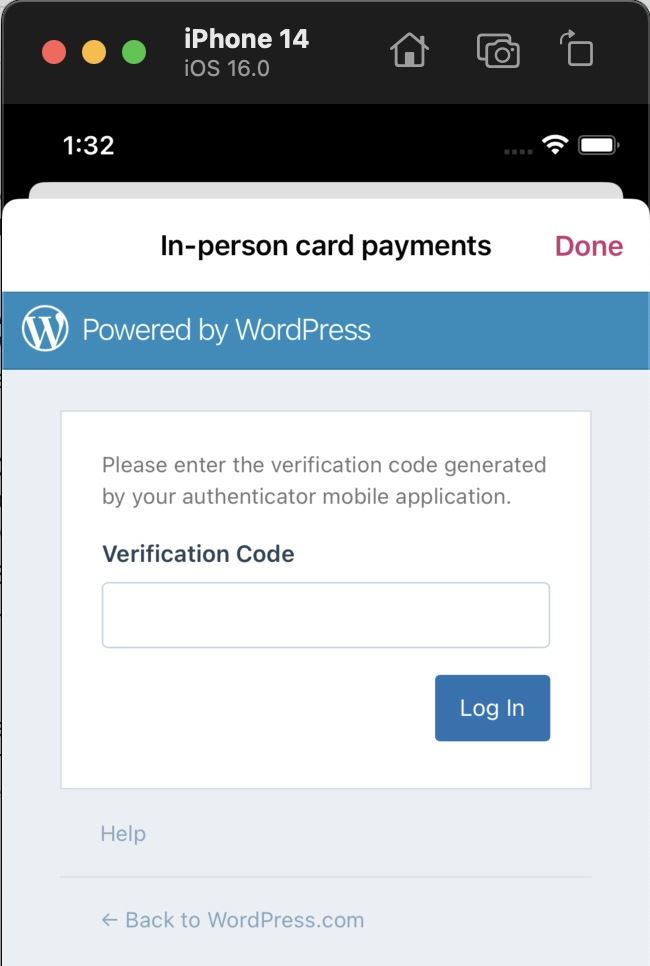
UCR:
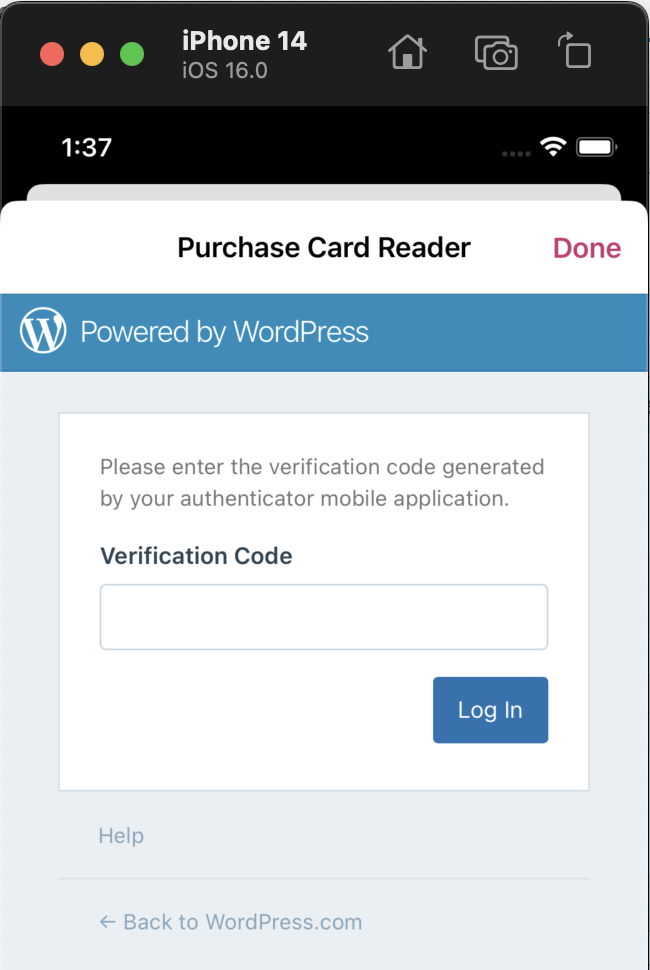
@pachlava thanks for checking again so quickly. hat is using the title of the JITM (i.e. the bold text displayed at the top of the JITM card) for the title of the webview too. Since the message could be anything, and we only have a limited number of fields to use, when I wrote it that seemed like the best one. The UCR campaign doesn't have this limitation.... However, I could use the button title instead, which actually would match the UCR implementation. I'll check what Anirudh did on Android, if anything, and mirror it in a future PR |
|
Both UCR and JITM webivews on Android use |

| import class Networking.UserAgent | ||
|
|
||
| /// Mirror of AuthenticatedWebView, for equivalent display of URLs in `WKWebView` that do not need authentication on WPCom. | ||
| struct WebView: UIViewRepresentable { |

There was a problem hiding this comment.
I am wondering, since most of this code is duplicated with AuthenticatedWebView, is there a way to collapse both structs into one with some sort of configuration to authenticate when necessary?
There was a problem hiding this comment.
@toupper Probably... I'll take a look towards the end of the week in another PR, as I'm trying to de-risk delivery in 11.1 as much as possible. Other than that, would you be happy to approve?
There was a problem hiding this comment.
That's great! sure thing 👍
# Conflicts:
#	WooCommerce/Classes/ViewRelated/Dashboard/DashboardViewController.swift
#	WooCommerce/Classes/ViewRelated/Dashboard/DashboardViewModel.swift


Part of: #7855
Not addressed: UTM parameters, analytic events
Description
JITMs contain a link for the CTA button, which we should open in a webview to allow the merchant to take action on a given JITM.
This PR extracts the existing logic for opening a webview from the upsell card readers campaign, and generalises it into a
WooNavigationSheet, used byWebViewSheet, which will contain either anAuthenticatedWebViewor aWebView.When the user taps the CTA for a message, the WebView is presented in a sheet, which can be dismissed with a swipe or by tapping Done. The title of the message is used for the WebViewSheet title to provide context.
woocommerce.com and wordpress.com links will be opened in an
AuthenticatedWebView, which sets the appropriate authentication so that log in to these sites is more convenient. For users with 2FA, entering the code happens at the start of the flow, which isn't ideal but is a web behaviour, that the apps can't change (other than by using a non-authenticated webview.)Testing instructions
JITM on my store
N.B. see pdfdoF-1uc-p2#comment-2581 for details of setting up your store to be eligible for the test JITM
With a US store that is eligible for the test JITM, on a debug/alpha build of the app
Upsell Card Readers cards
The Upsell Card Reader campaigns have all been updated to use the extracted web views, so could do with being tested again.
In a US or CA WCPay store
Purchase card readerbuttonLocations of the card: top of Order List, and the Payment Method screen (after tapping Take Payment)
See #7862 for more detailed testing instructions.
Screenshots
cta-on-jitm.mp4
RELEASE-NOTES.txtif necessary.